GPT Image 2 AI Image Generator
Produce campaign-ready visuals with OpenAI GPT Image 2. Generate product photography, ad creatives, social posts, and packaging mockups with near-perfect text rendering, pixel-level editing, and ~3 second output — built for creators and small businesses who ship every day.
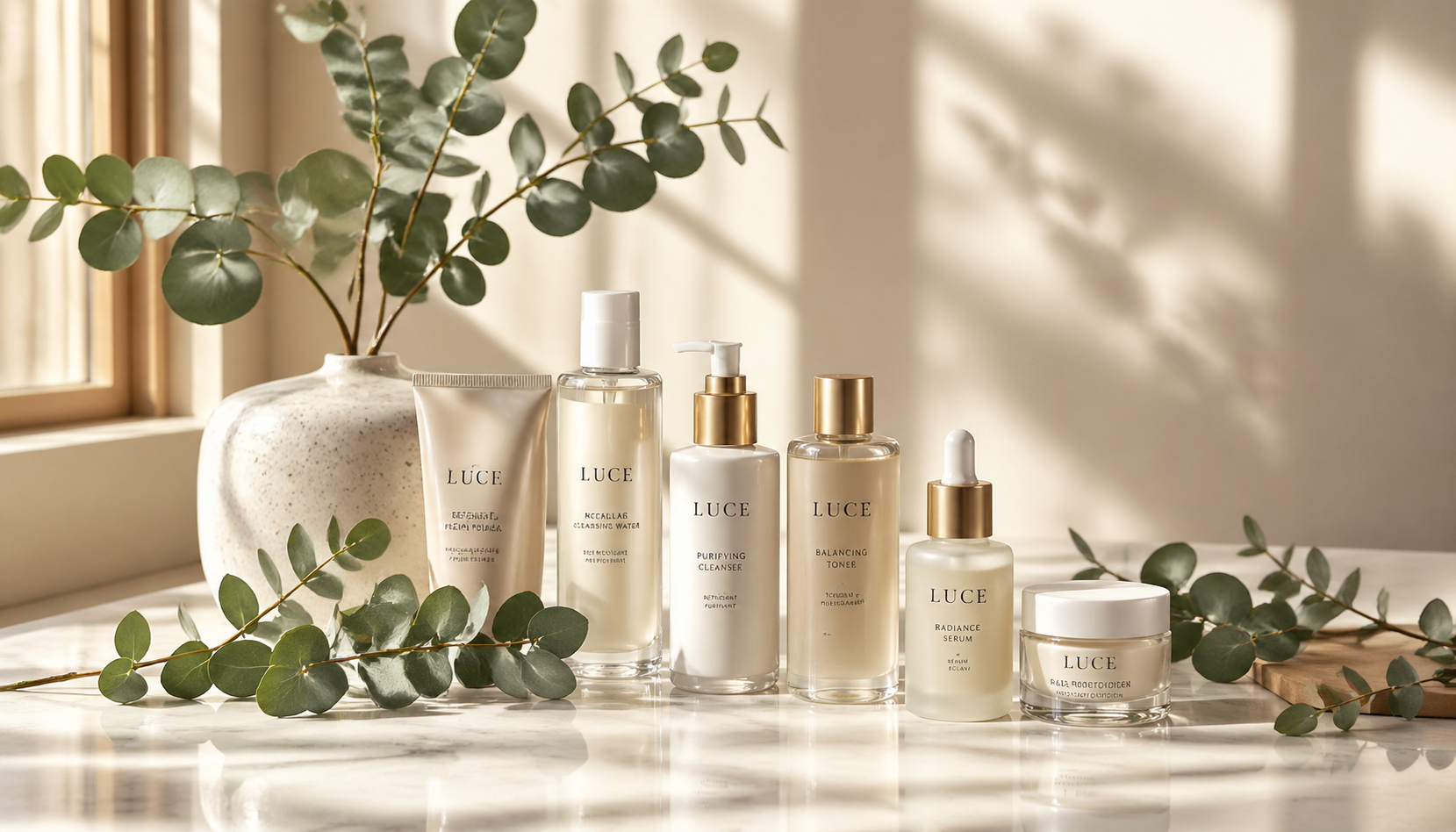

Near-perfect text rendering for on-image copy that sells
Put headlines, prices, badges, and product names directly into your image with GPT Image 2. Multi-word phrases, punctuation, and case stay crisp at any aspect ratio, so a GPT Image 2 ad creative ships without a detour into Photoshop for typography fixes.
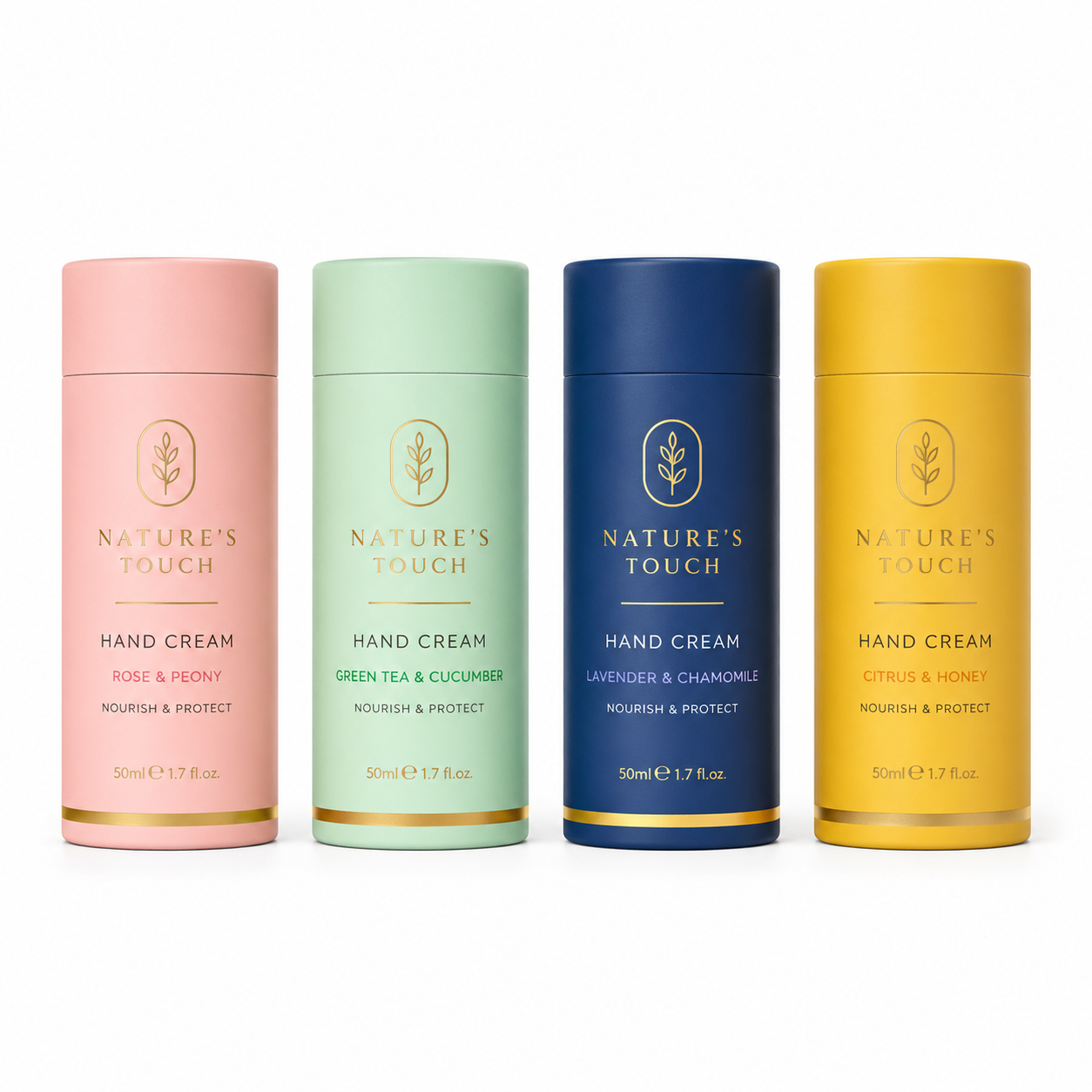
Pixel-level product and packaging edits
Recolor a bottle, swap a label, change the background, or restyle packaging with GPT Image 2 — everything else stays untouched. Small teams use GPT Image 2 to turn one hero shot into a full colorway lineup without booking a re-shoot.
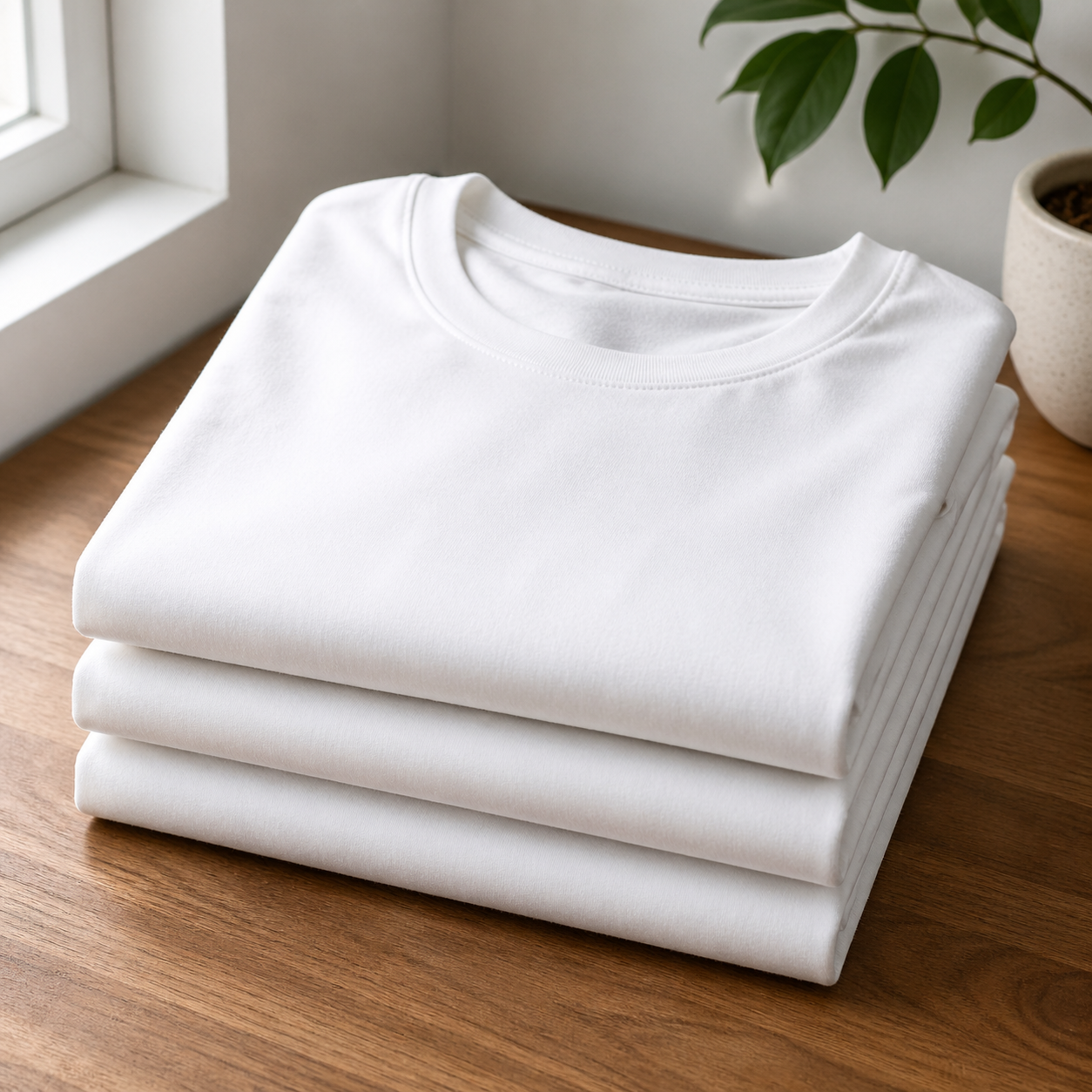
World-knowledge realism for polished product shots
GPT Image 2 renders materials, lighting, and scenes that feel photographed, so listings, ad creatives, and landing pages made in GPT Image 2 read as real product photography instead of generic AI art.
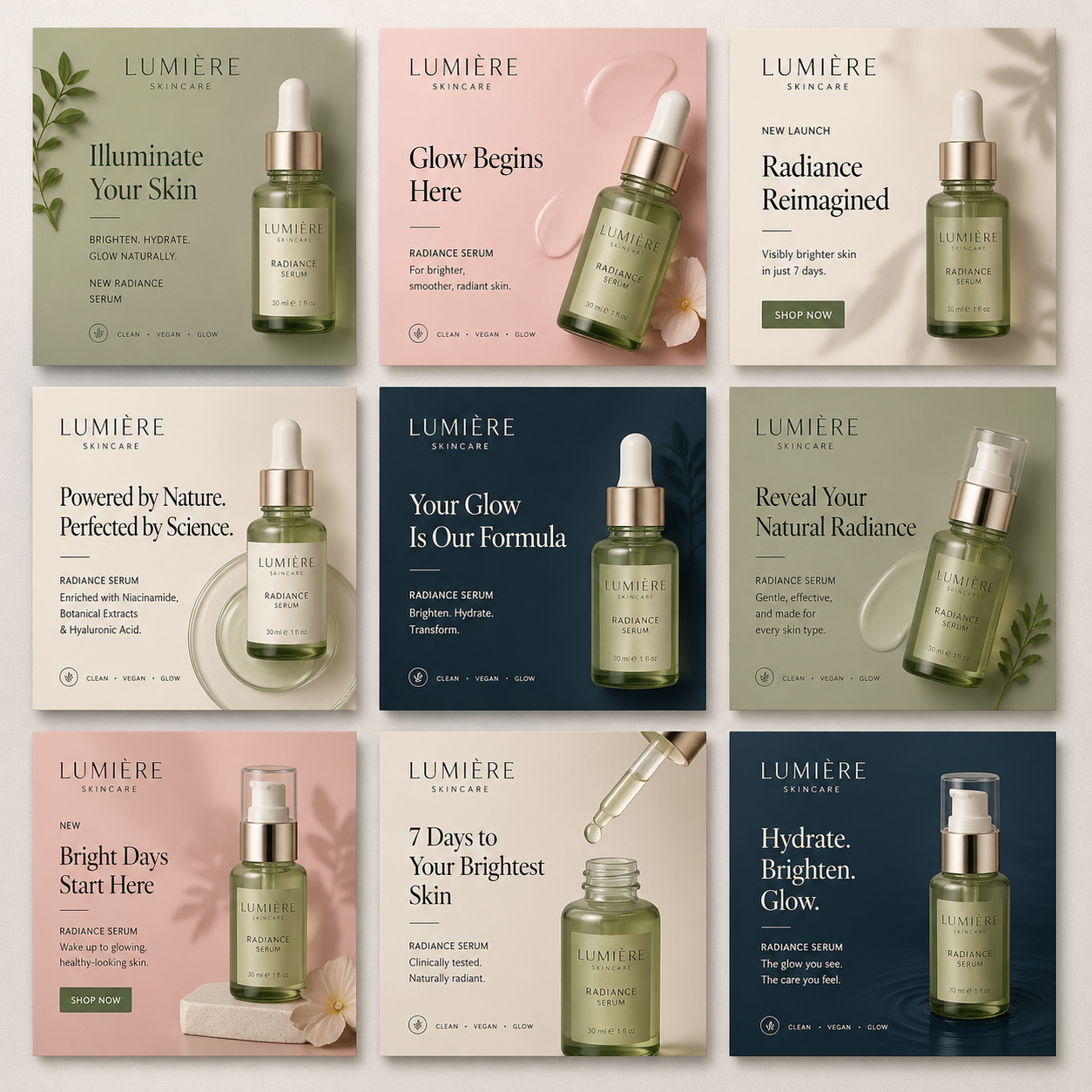
Fast ~3 second output for daily campaign workflow
Spin up dozens of creative variants in one session. GPT Image 2 is fast enough to A/B test layouts, offers, and audiences before lunch — and quick enough that a one-person marketing team can run a full campaign in GPT Image 2 on a single afternoon.
How to Create Marketing Images with GPT Image 2
Describe your marketing visual
Write the product, scene, mood, and any on-image copy you need into GPT Image 2. Detailed prompts — including color, composition, and typography cues — produce the most on-brand GPT Image 2 output.
Choose an aspect ratio or upload a reference
Pick 1:1 for feed posts, 9:16 for stories and reels, 16:9 for banners, or drop in a product photo to let GPT Image 2 run pixel-level edits on an existing asset.
Generate, review, and publish
Review the ~3 second GPT Image 2 output, tighten the prompt if needed, and export the final image straight into your ad set, listing, social post, or landing page.
Frequently Asked Questions about GPT Image 2
What is GPT Image 2 best used for on OmniVideo?
GPT Image 2 is built for marketing image creation — ad creatives, product photography, social posts, packaging mockups, and landing page visuals. It pairs naturally with OmniVideo's Sora, Seedance, Veo, and Nano Banana models so you can assemble a full campaign kit — image plus video — inside one OmniVideo workspace.
Can GPT Image 2 edit an existing product photo?
Yes. Upload your product image to GPT Image 2, describe the change, and GPT Image 2 performs pixel-level edits — new background, different colorway, updated label — while keeping the rest of the product identical. It is the fastest way to spin a single product shot into a full variant set.
How fast does GPT Image 2 generate an image?
GPT Image 2 targets roughly 3 second output per image. That speed matters for small teams, because GPT Image 2 lets one person iterate through campaign variants without breaking flow or waiting on long render queues.
Which aspect ratios and resolutions does GPT Image 2 support?
GPT Image 2 supports auto, 1:1, 4:3, 3:4, 16:9, and 9:16 aspect ratios, with 1K, 2K, and 4K resolution tiers (4K is not available on the 1:1 ratio). That range covers every major ad placement, feed post, story, and reel with the same GPT Image 2 prompt.
Does GPT Image 2 handle on-image text like prices and headlines?
Yes. Near-perfect text rendering is one of GPT Image 2's headline strengths — labels, call-outs, price badges, and multi-word headlines stay readable and consistent, so GPT Image 2 output goes straight from generation to ad set with no typography rework.
Can GPT Image 2 produce multilingual creatives?
Yes. GPT Image 2 supports prompts and in-image text across multiple languages, which means localized ads and regional campaigns come out of one GPT Image 2 workflow instead of a translation pipeline plus a designer round-trip.
Is GPT Image 2 free to try on OmniVideo?
Each GPT Image 2 generation consumes credits. You can earn credits by purchasing a package or by inviting friends to OmniVideo, so it is easy to explore GPT Image 2 end to end before committing. OmniVideo refunds credits on failed GPT Image 2 generations automatically.
Can I use GPT Image 2 images commercially?
Images you generate with GPT Image 2 on OmniVideo belong to you and can be used in paid ads, product listings, social posts, and print materials, as long as usage follows platform policies and the rights of any reference material you upload into GPT Image 2.
Ship marketing visuals faster with GPT Image 2
Turn product descriptions and campaign briefs into publish-ready images in about 3 seconds. GPT Image 2 is built for creators, e-commerce sellers, and small businesses who need polished visuals on deadline — no design tool round-trip required.