Omni Flash Video: Google's Newest and Fastest AI Video Model
Omni Flash Video is Google's latest video generation model, unveiled at I/O 2026. It writes pixel-stable edits from chat, renders crisp on-screen text, and synthesizes native audio in one pass. Try Omni Flash Video free on OmniVideo and see why creators are switching to Google's fastest video model.
Edit videos with plain language
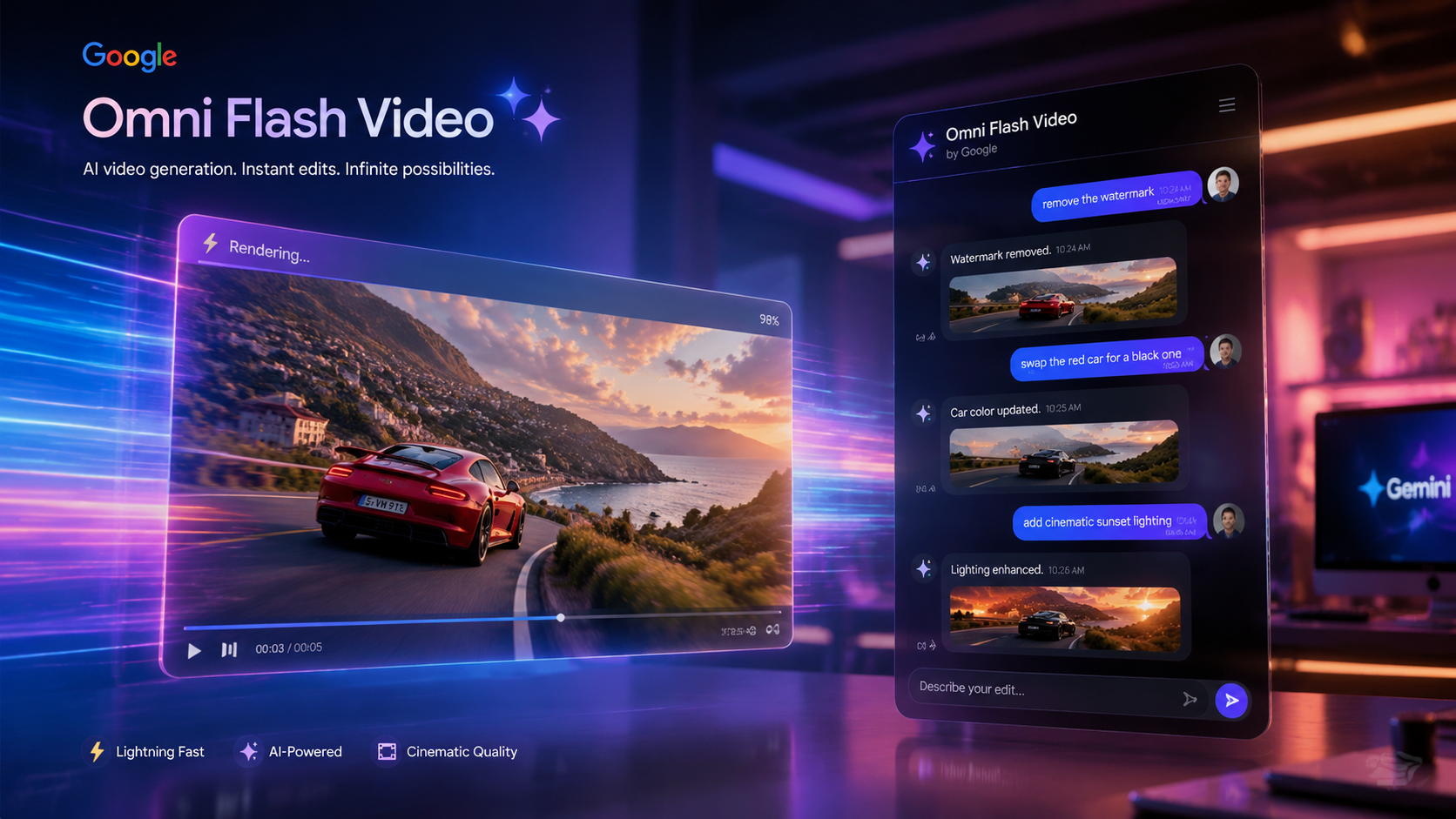
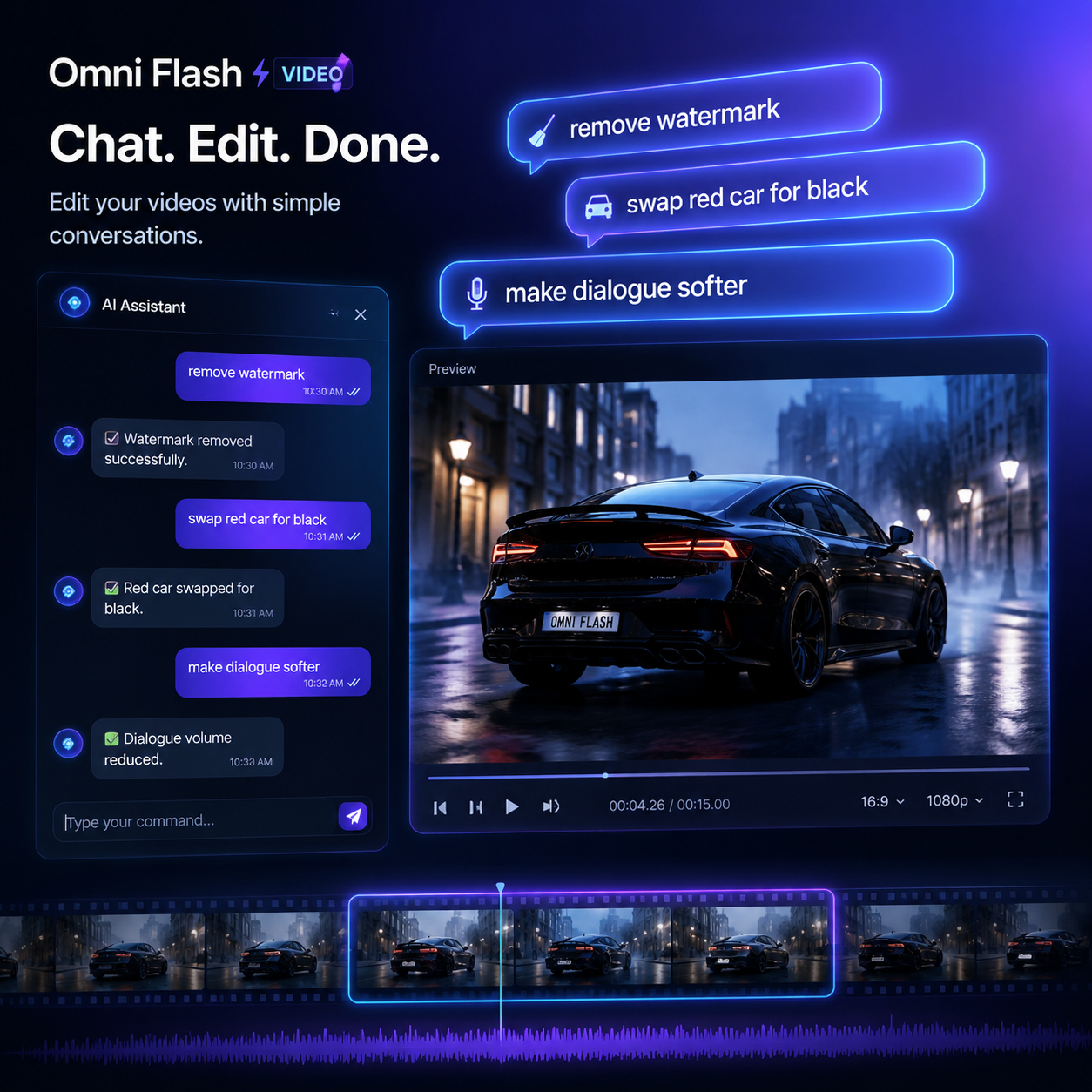
Omni Flash Video brings chat-based editing to AI video. Generate a clip, then describe the change in natural language — 'remove the watermark', 'swap the red car for a black one', 'soften the dialogue' — and Omni Flash Video rewrites only the affected frames while keeping the rest of the shot pixel-stable. No timeline, no masks, no separate inpainting pass.
Crisp on-screen text and equations
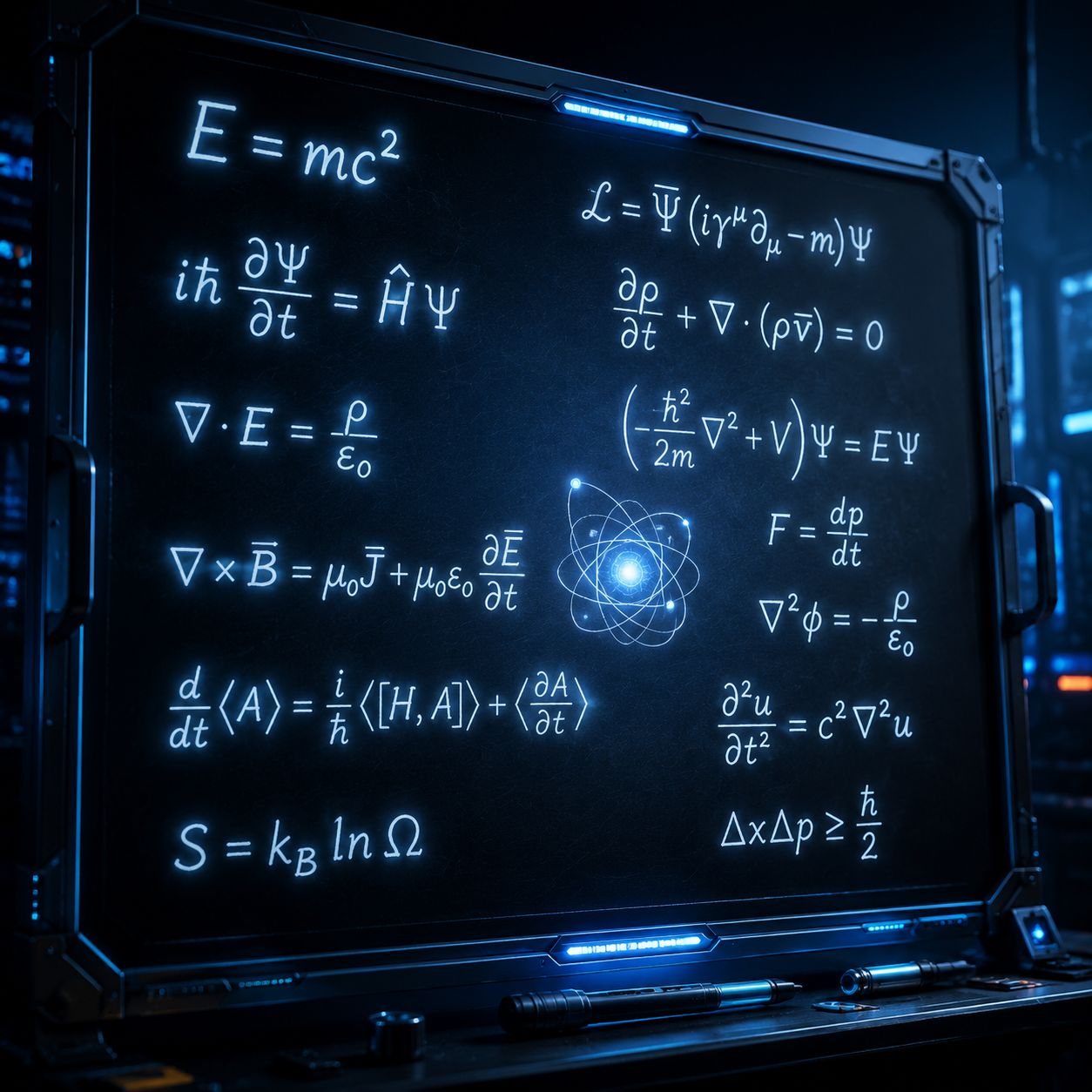
Most video models smear letters or invert symbols frame to frame. Omni Flash Video handles in-video text cleanly — readable signage, captions, even a full trigonometric proof on a chalkboard. If your shot needs words that actually read, Omni Flash Video is the model to reach for.
Remix clips and start from templates
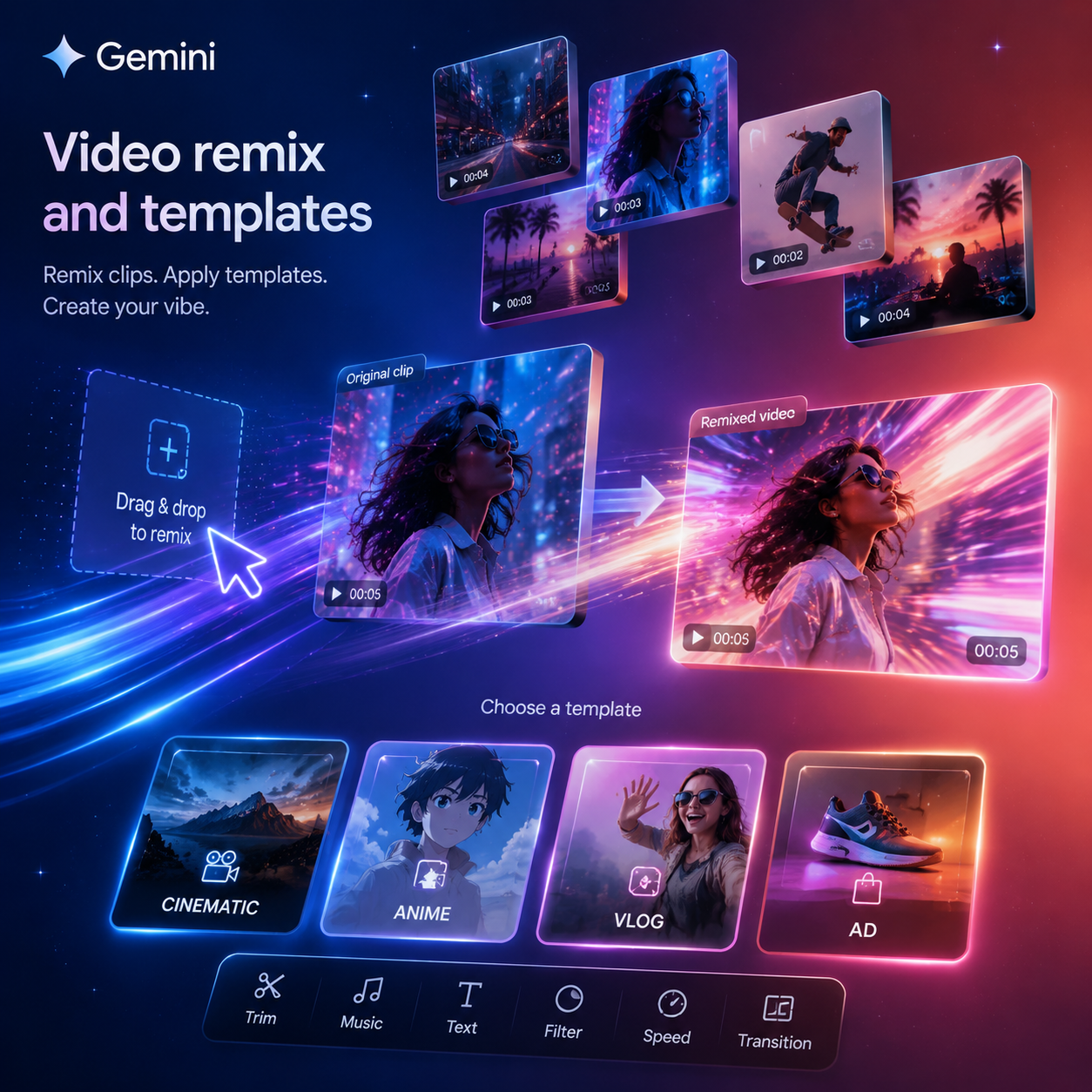
Upload an existing clip and tell Omni Flash Video what to change, or drop a prompt into a pre-built template (cinematic, vlog, ad, anime) and iterate. Omni Flash Video blurs the line between generation and post-production, so you can take one idea and ship five variations of it from the same source.
Native audio in one pass
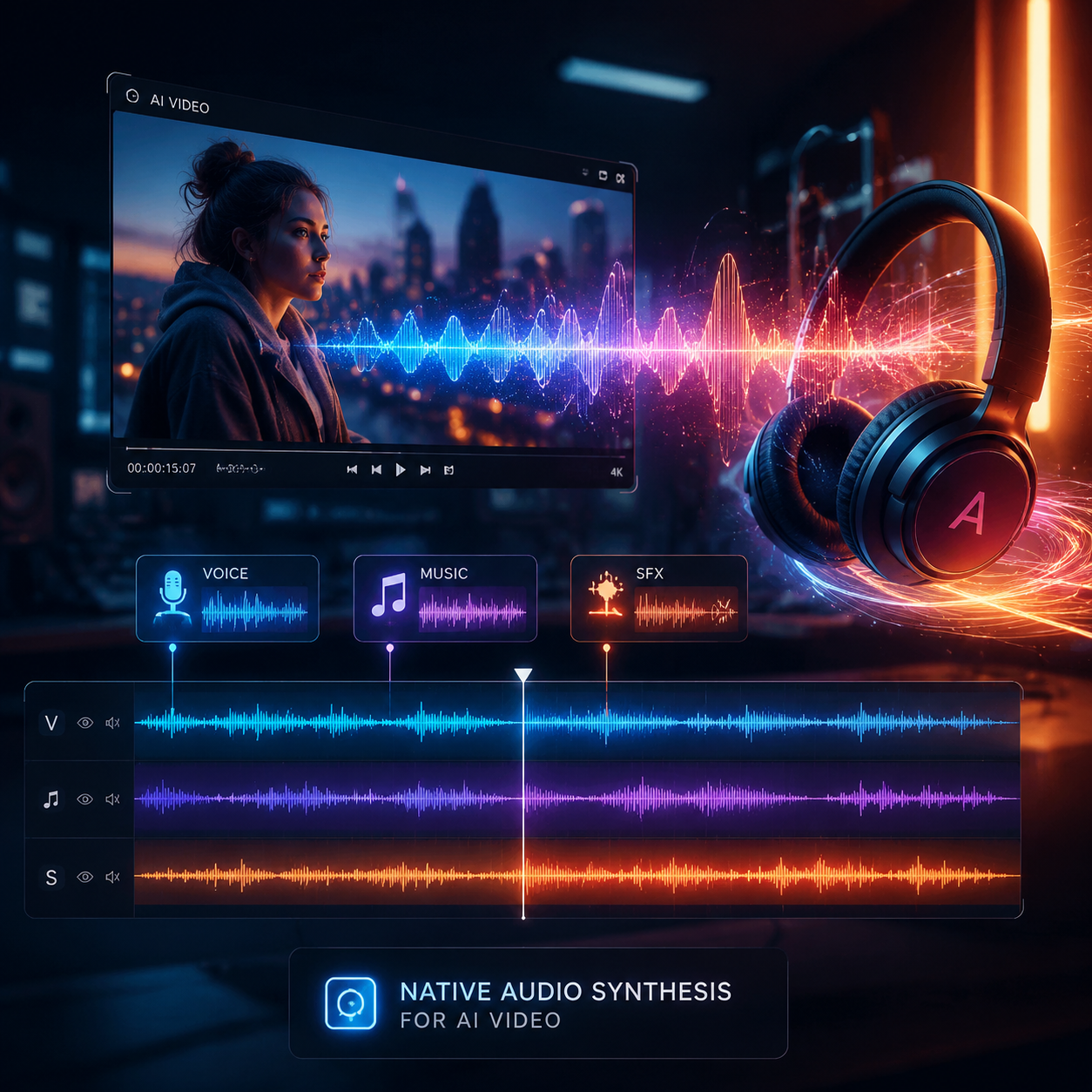
Omni Flash Video synthesizes voice, ambient sound, and music inside the same generation step — no separate audio pipeline, no manual mixing. The Omni in Omni Flash Video means one model handles text, image, video, and sound together, so the output lands fully scored on the first try.
How to Use Omni Flash Video
Pick Omni Flash Video
Open the generator on OmniVideo and select Omni Flash Video as your model. It's already the default on this page, so you can skip straight to the prompt box.
Describe the shot or the edit
Tell Omni Flash Video what you want in plain language. Give the subject, the action, the setting, and the mood. To remix an existing clip, upload it first and describe the change — Omni Flash Video keeps the rest of the frame stable.
Generate, refine, and share
Hit generate. Omni Flash Video returns a short video with native audio. Iterate with chat-style follow-ups, then download or share. Rerun the same prompt for fresh takes.
Plans & Pricing
Frequently Asked Questions about Omni Flash Video
What is Omni Flash Video?
Omni Flash Video is Google's newest AI video generation model, unveiled at Google I/O 2026. It's the Flash tier of the Gemini Omni family — a unified multimodal model that handles text, image, video, and audio in one system. Omni Flash Video is tuned for fast, low-cost generation and chat-based editing, while a heavier Pro tier covers high-compute production runs.
Is Omni Flash Video free on OmniVideo?
Yes. You can try Omni Flash Video free on OmniVideo. Click the Try Omni Flash Video Free button on this page to start generating right away — no Google AI Pro subscription needed.
What can Omni Flash Video actually do?
Omni Flash Video generates short clips from text, edits clips from natural-language instructions, renders legible on-screen text and equations, remixes existing footage, and synthesizes native audio in the same pass. It's especially strong at chat-based edits like watermark removal, object swaps, and dialogue tweaks.
How is Omni Flash Video different from Veo 3.1?
Veo 3.1 is Google's previous video model and still leads on cinematic visual fidelity. Omni Flash Video sits on the Veo lineage but adds multimodal unification under Gemini, much stronger in-video text rendering, and chat-based editing. For ad films or trailers, Veo 3.1 still wins on look. For fast iteration, editing, and on-screen text, pick Omni Flash Video.
Can Omni Flash Video edit videos I already have?
Yes. Upload an existing clip and describe what to change in plain English — Omni Flash Video rewrites only the affected frames and keeps the rest pixel-stable. This is the workflow that makes Omni Flash Video feel different from earlier text-to-video models.
Does Omni Flash Video generate audio too?
Yes. Omni Flash Video synthesizes voice, ambient sound, and music inside the same generation step, so clips land with native audio on the first try. You don't need a second pass through a separate audio model.
How long are Omni Flash Video clips?
Each Omni Flash Video clip currently runs around 8 to 10 seconds, with longer takes available through multi-clip stitching. The Flash tier is tuned for speed and iteration, while the Pro tier is expected to extend duration for heavier production work.
What kinds of prompts work best with Omni Flash Video?
Be specific. Tell Omni Flash Video the subject, the camera, the action, and the mood. Mention any on-screen text exactly as you want it to read — Omni Flash Video is one of the few models that will keep it legible. For edits, describe the change as a single, surgical instruction rather than a full rewrite.
Start Creating with Omni Flash Video
Omni Flash Video is the fastest way to turn a prompt into a finished, audio-scored clip — and the easiest way to edit one with words. Hit the button, describe your shot, and let Omni Flash Video do the rest. Your first Omni Flash Video clip on OmniVideo is free.