AI Video Generator — Run Sora 2, Veo 3.1, Kling, Seedance & Grok Imagine in One Studio
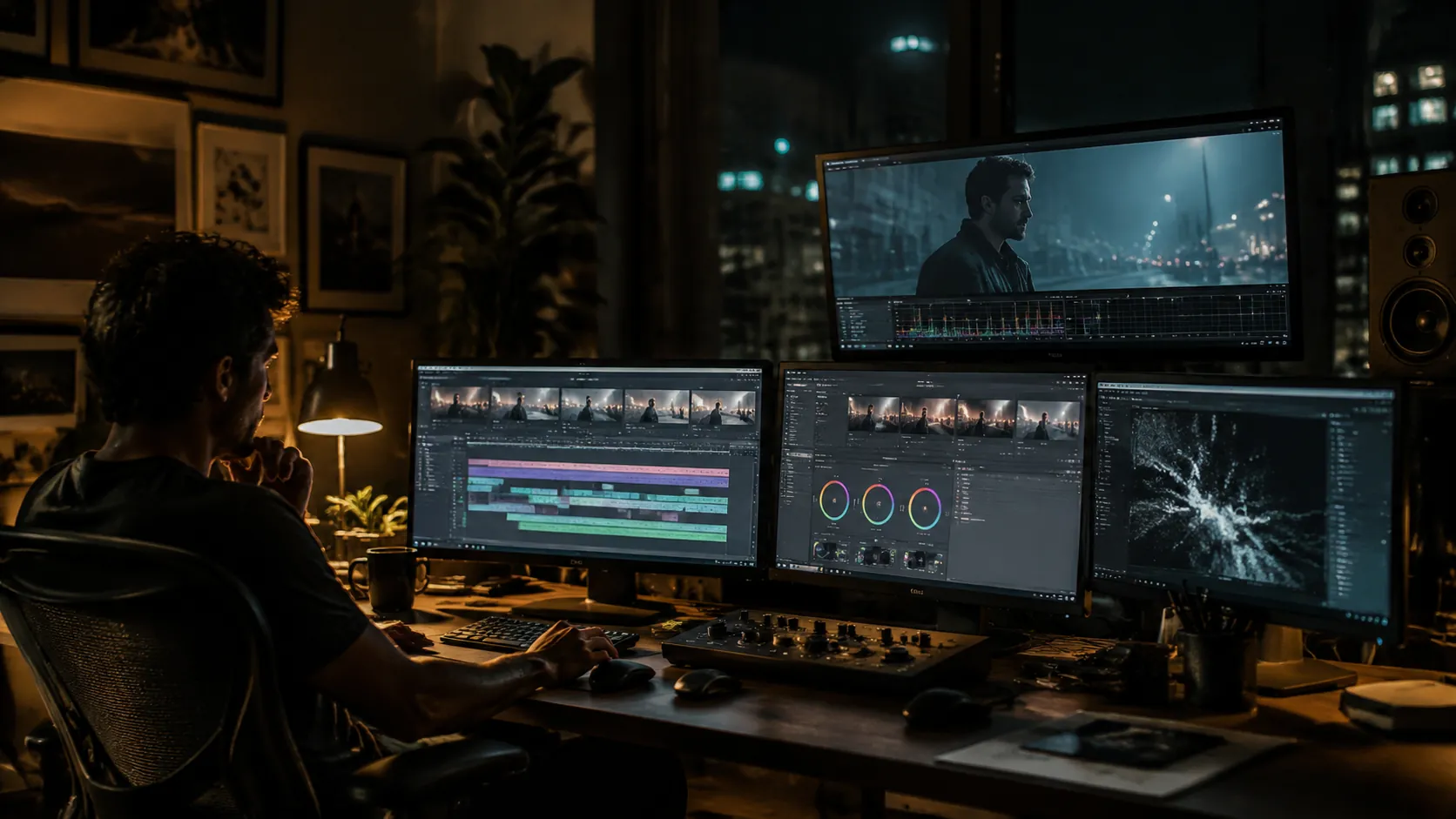
OmniVideo is a free AI Video Generator that puts every top AI video model in one workspace. Use Sora 2 or Sora 2 Pro for grounded motion, Veo 3.1 for cinematic shots with native audio, Kling 3.0 for stylized scenes, Seedance 2.0 for fast iteration, and Grok Imagine for surreal looks — all from one prompt box. This is the AI Video Maker that lets you pick the best AI Video Generator for each shot without juggling tabs.
All-in-One Model Picker for Every AI Video Generator
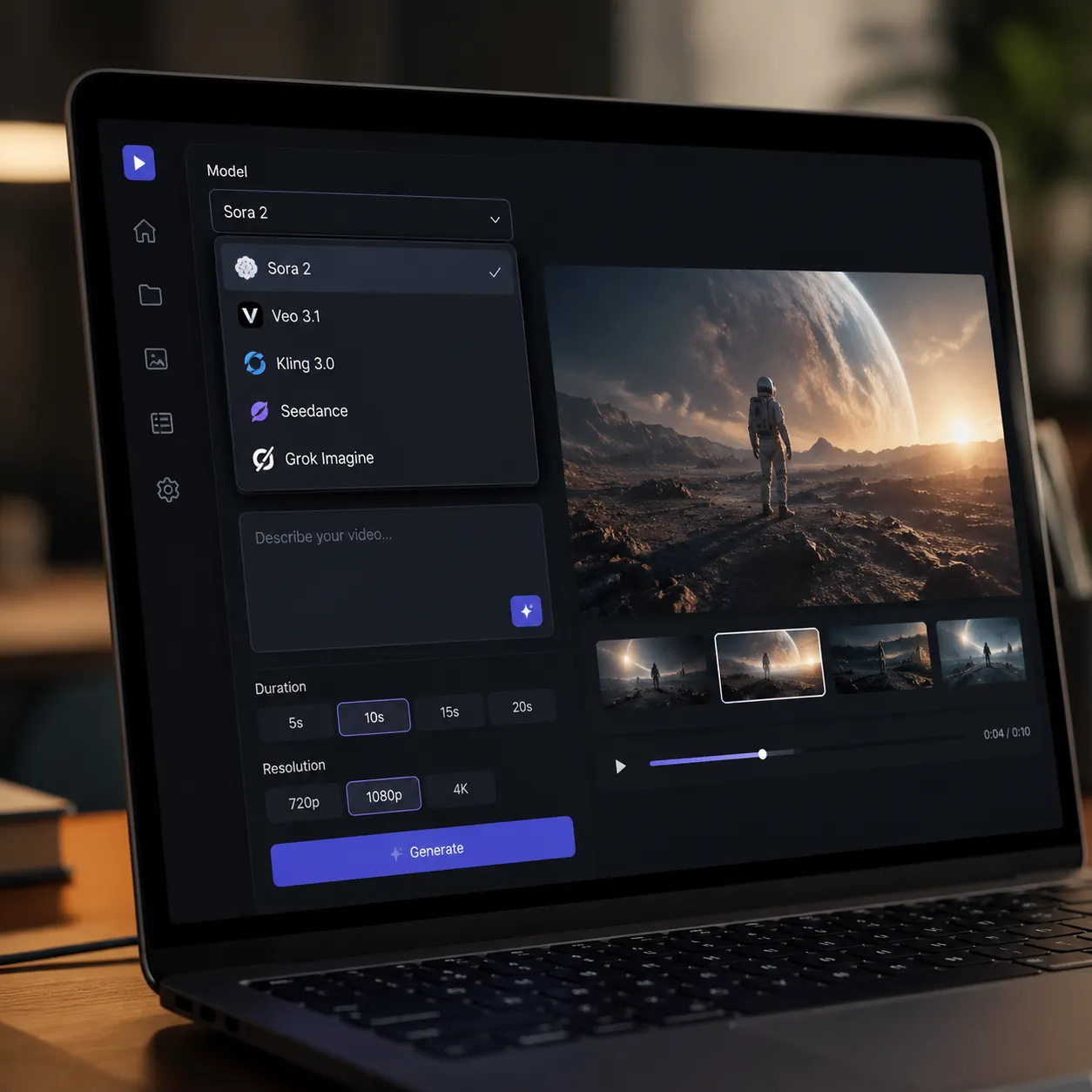
Switch between Sora 2, Sora 2 Pro, Veo 3.1, Veo 3.1 Fast, Veo 3.1 Lite, Kling 3.0, Seedance 2.0, Seedance 2.0 Fast, Gemini Omni, and Grok Imagine inside one AI Video Generator workspace. Test the same prompt across models and pick the take you like — no extra accounts, no juggling tabs.
Cinematic to Surreal — Every Style in One AI Video Maker
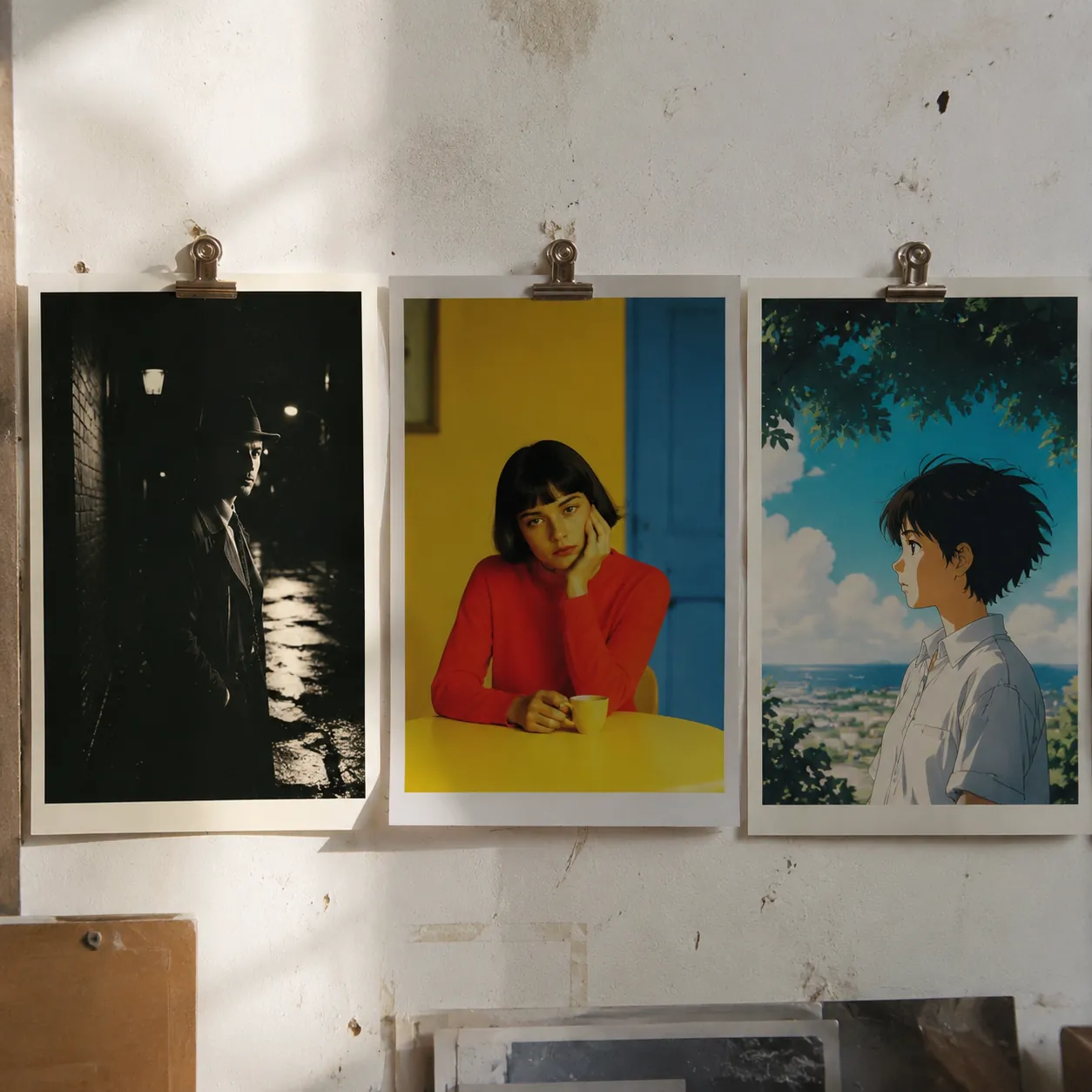
OmniVideo's AI Video Generator covers the full range — clean cinematic shots from Veo 3.1, grounded motion from Sora 2, stylized scenes from Kling 3.0, surreal looks from Grok Imagine. One AI Video Maker, every style, ready when your idea is.
Image to Video AI in One Click
Drop a still and let the AI Video Generator bring it to life. The Image to Video AI tab works with Sora 2, Veo 3.1, Kling, and Seedance — upload a photo, describe the motion you want, and the AI Image to Video model animates the frame in seconds.
First & Last Frame Storyboarding
The first/last-frame tab lets you direct the shot like a storyboard. Pin a start image and an end image, and the AI Video Generator fills in the motion between them. Great for product reveals, transitions, and tight cuts where you need control over how the clip begins and ends.
How to Use OmniVideo's AI Video Generator
Pick a Tab and a Model
Open OmniVideo and choose text-to-video, image-to-video, or first/last frame. Then pick the AI Video Generator model that fits your shot — Sora 2 for grounded motion, Veo 3.1 for cinematic looks with audio, Kling or Seedance for speed, Grok Imagine for surreal.
Describe Your Shot
Type the scene in plain English — subject, action, mood, camera move. For Image to Video AI, upload a photo and describe how it should move. The AI Video Generator reads natural language, so you don't need prompt tricks.
Generate, Compare, Download
Click Generate Video. Run the same prompt across models if you want to compare. Preview each clip in the browser, regenerate when you want a new take, then download the final video and use it anywhere.
Frequently Asked Questions about OmniVideo's AI Video Generator
What is OmniVideo's AI Video Generator?
OmniVideo is a multi-model AI Video Generator studio. Instead of locking you into one engine, it lets you run Sora 2, Veo 3.1, Kling 3.0, Seedance 2.0, Gemini Omni, and Grok Imagine from a single prompt box — so you can pick the best AI Video Generator for each shot.
Which AI video models can I run here?
The studio runs Sora 2, Sora 2 Pro, Veo 3.1, Veo 3.1 Fast, Veo 3.1 Lite, Seedance 2.0, Seedance 2.0 Fast, Gemini Omni, Kling 3.0, and Grok Imagine. That makes OmniVideo one of the widest free AI Video Generator line-ups available in one workspace.
Is this a free AI Video Generator?
Yes. You can try the AI Video Generator free on OmniVideo — open the studio, pick a model, type your prompt, and generate a clip. Some premium tiers like Sora 2 Pro or Veo 3.1 use credits, but free runs are always available so you can test before you commit.
Can I switch between models on the same prompt?
Yes. The AI Video Generator keeps your prompt in place when you switch models. Run it in Sora 2, then jump to Veo 3.1 or Kling 3.0 and generate again to compare. It's the fastest way to find the best AI Video Generator for the shot you're working on.
What's the difference between text-to-video, image-to-video, and first/last frame?
Text to Video AI generates a clip from a written prompt only. Image to Video AI animates a still photo you upload — the AI Image to Video model adds motion to your frame. First/last frame uses two images you provide as the start and end, and the AI Video Generator fills in the motion between them.
How long and how high-quality are the clips?
Output depends on the model — most of the AI Video Generator models in this studio produce short clips (typically 5 to 10 seconds) in HD. Premium tiers like Sora 2 Pro and Veo 3.1 push detail and length further. Pick the tier that matches your job.
Can I use AI Video Generator clips for commercial work?
Most creators use AI Video Generation output for marketing, social posts, ads, and short films. Each underlying model — Sora 2, Veo 3.1, Kling, Seedance, Grok Imagine — has its own terms, so check the latest provider rules before publishing finished work.
How does this compare to other free AI Video Generators?
Most free AI Video Generators give you one engine. OmniVideo gives you ten — Sora 2, Veo 3.1, Kling, Seedance, Gemini Omni, Grok Imagine, and their faster tiers. Same prompt box, same dashboard. If you want the best AI Video Generator for a specific shot, you can actually compare and pick.
Start Creating with OmniVideo's AI Video Generator
Run Sora 2, Veo 3.1, Kling, Seedance, and Grok Imagine from one AI Video Generator workspace. Text to Video AI, Image to Video AI, and first/last frame in the same studio — free to try and ready when your idea is.