Free AI Image Generator - All Top Models in One Studio
OmniVideo is the all-in-one AI Image Generator that runs GPT Image 2, Nano Banana, Nano Banana 2, and Nano Banana Pro inside one workspace. Use this free AI Image Generator for text-to-image, image-to-image edits, posters, portraits, product shots, and social posts - all from a single picker.
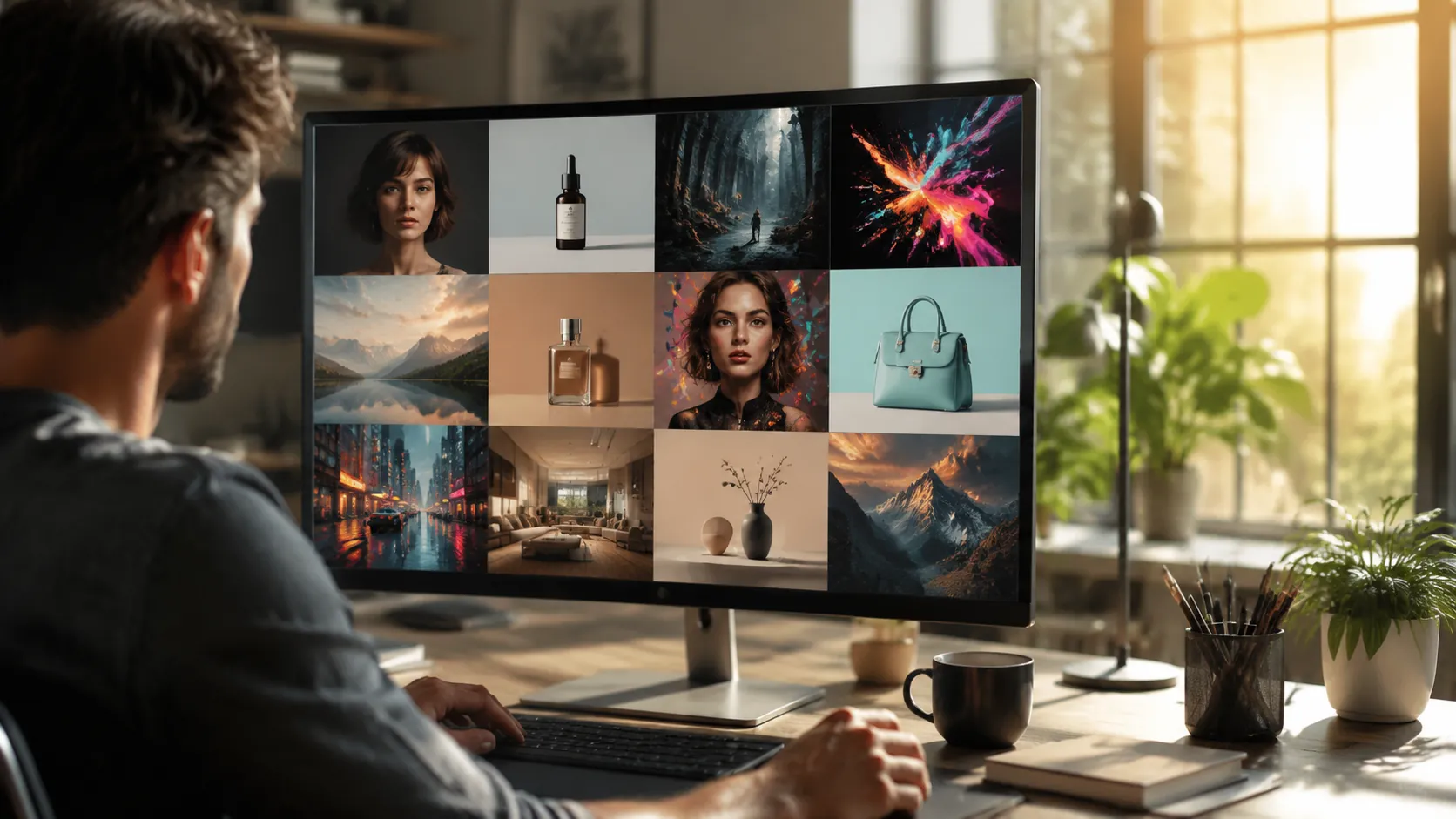
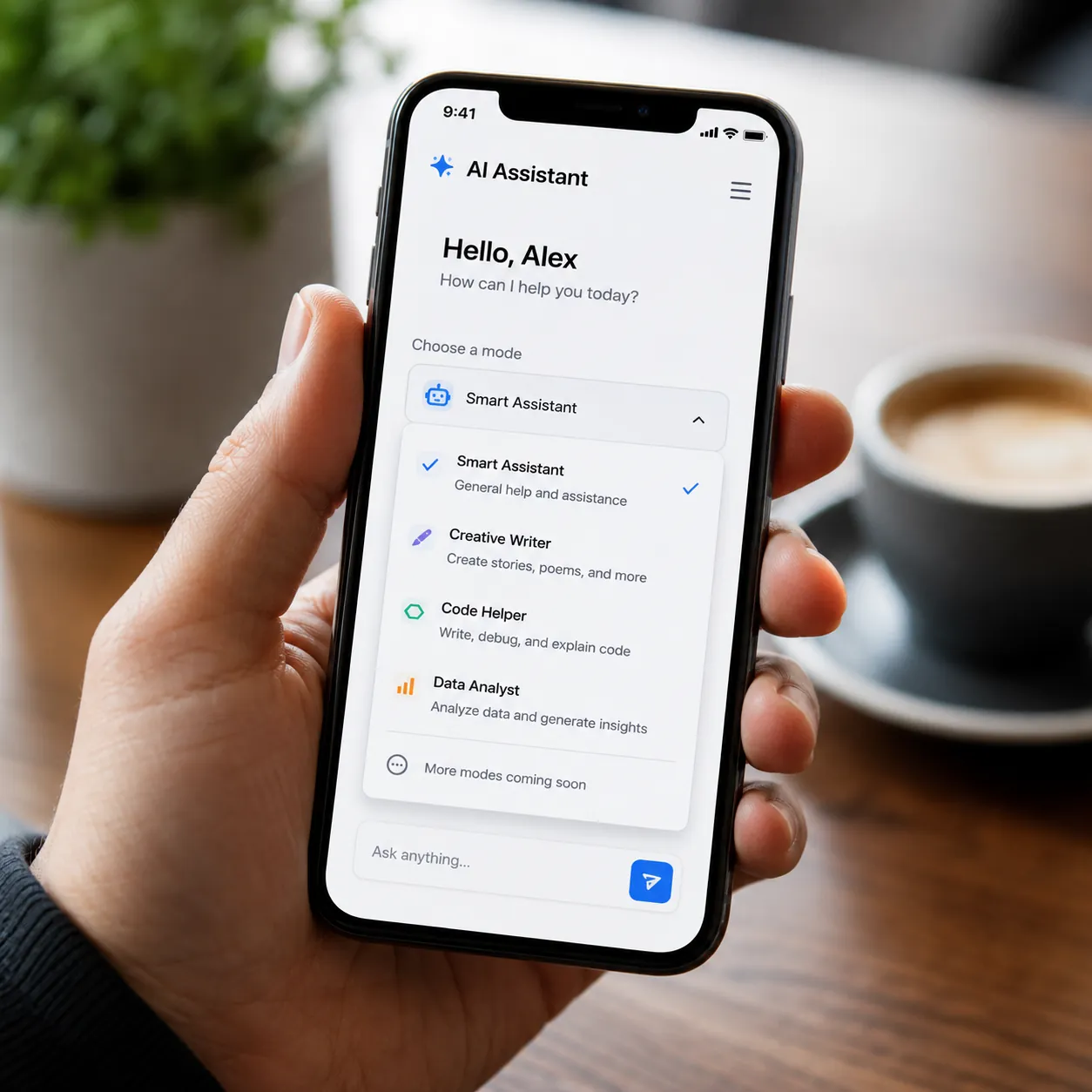
All-in-one AI Image Generator picker
Pick from GPT Image 2, Nano Banana, Nano Banana 2, and Nano Banana Pro inside one AI Image Generator workspace. Switch models with one click and find the best AI Image Generator for each prompt - no extra logins, no new tabs, no separate accounts. OmniVideo is the AI Picture Generator that gives you every top model in one place.
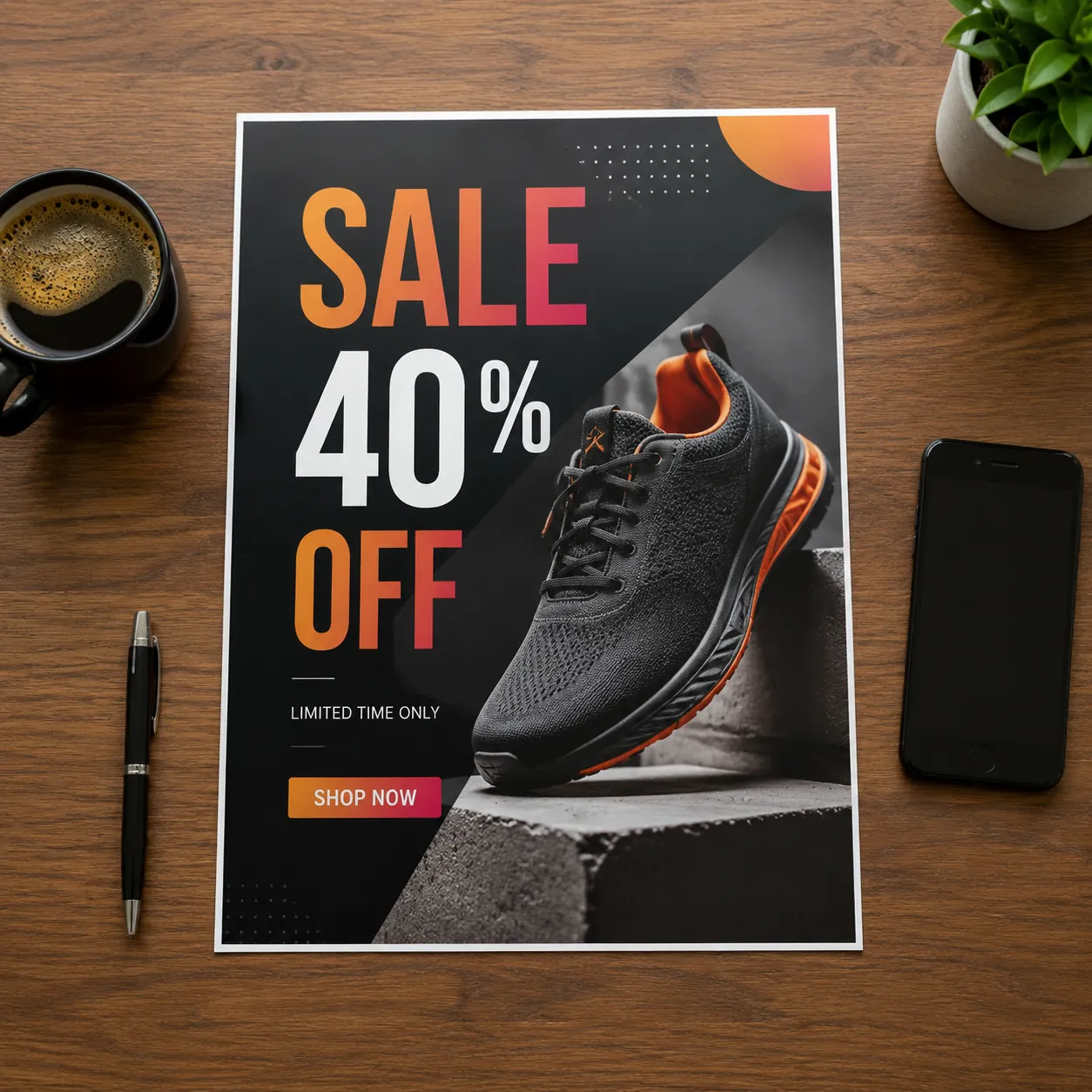
Marketing-ready output with crisp text
Need an ad with a headline, a price tag, or a call-out? GPT Image 2 inside this AI Image Generator renders clean text on images, so posters and product creative ship straight from prompt to ad set. Use this AI Image Creator for sale banners, product launches, and social ads in seconds.
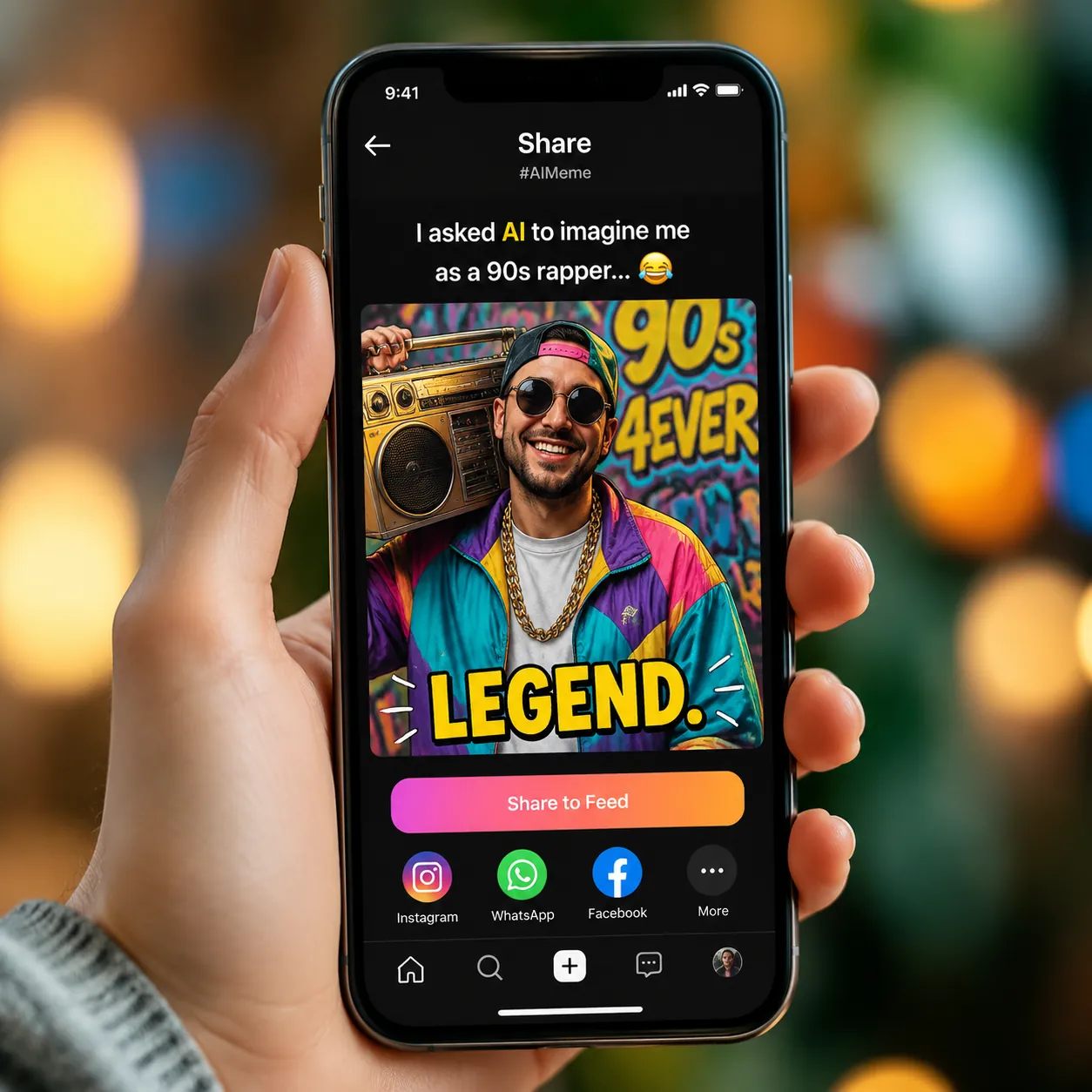
Viral-friendly remixes from Nano Banana
Nano Banana is the playful AI Image Generator that lit up TikTok and Reels. Use Nano Banana inside OmniVideo for quick portrait remixes, meme-style edits, and vertical social posts. The free AI Image Generator covers square, vertical, and landscape aspect ratios for any feed.
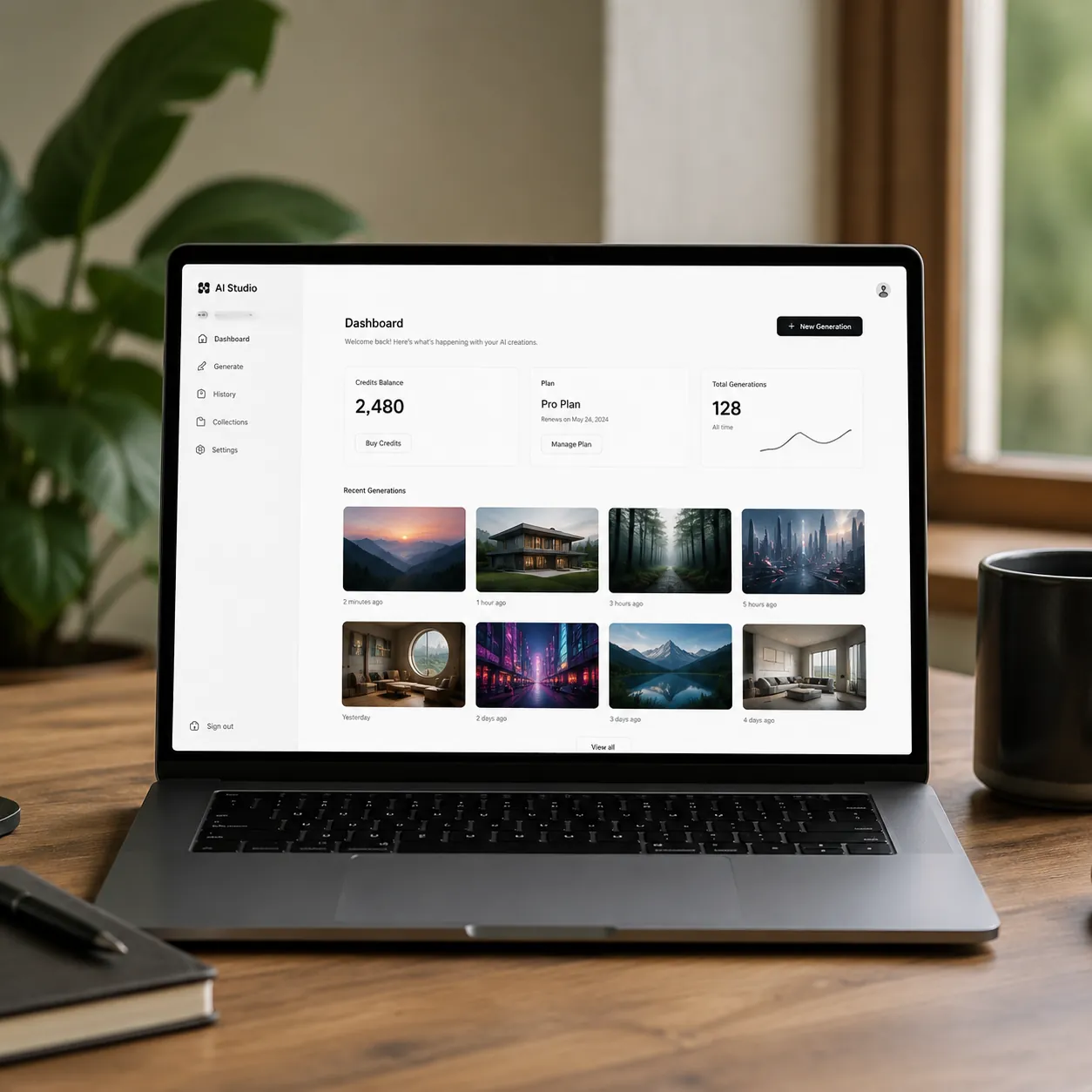
One credit balance for every model
Buy credits once and use them across every model inside the AI Image Generator. Run GPT Image 2 for a polished ad, then switch to Nano Banana Pro for a portrait, then to Nano Banana 2 for a meme - all from the same wallet. This AI Art Generator keeps your workflow simple.
How to Use OmniVideo's AI Image Generator
Pick a model
Open the AI Image Generator on OmniVideo and choose GPT Image 2, Nano Banana, Nano Banana 2, or Nano Banana Pro from the model picker. Each model has its own strengths, so pick the best AI Image Generator for the job.
Write your prompt
Type what you want the AI Image Generator to make - the scene, style, mood, and any text you want on the image. Use the text-to-image tab to start fresh, or switch to image-to-image and upload a photo to edit. Plain English works fine, no prompt tricks needed.
Generate and download
Hit generate and the AI Picture Generator returns your image in seconds. Tweak the prompt to try a different model, compare versions side by side, then download the one you love or share it straight to social.
Frequently Asked Questions about OmniVideo's AI Image Generator
What is OmniVideo's AI Image Generator?
OmniVideo's AI Image Generator is a free AI Image Generator studio that runs GPT Image 2, Nano Banana, Nano Banana 2, and Nano Banana Pro from a single picker. Pick any model, type a prompt, and the AI Image Generator returns a finished image in seconds - no software install, no setup.
Which models does the AI Image Generator support?
The AI Image Generator currently supports four top models: GPT Image 2 from OpenAI for marketing visuals and text rendering, plus Nano Banana, Nano Banana 2, and Nano Banana Pro from Google for fast remixes and polished portraits. You can switch between them with one click inside the same AI Picture Generator workspace.
Is the AI Image Generator free to use?
Yes. OmniVideo's AI Image Generator is free to try - sign in, pick a model, and start generating right away. It is one of the easiest free AI Image Generator tools to use because every top model is bundled into the same studio with no extra accounts to manage.
Can I switch models without losing my prompt?
Yes. The AI Image Generator keeps your prompt when you switch from GPT Image 2 to Nano Banana, Nano Banana 2, or Nano Banana Pro. Run the same prompt across models to compare results and find the best AI Image Generator for your idea.
What is the difference between text-to-image and image-to-image?
Text-to-image asks the AI Image Generator to create a new picture from your words alone. Image-to-image asks it to edit a photo you upload - swap a background, change an outfit, recolor a product, or restyle a portrait. Both modes work with every model in this AI Image Creator.
What aspect ratios and resolutions does the AI Image Generator support?
The AI Image Generator supports square, vertical, and landscape aspect ratios that cover feed posts, stories, reels, banners, and posters. Pick Nano Banana Pro or GPT Image 2 when you want a sharper, higher-quality output for print or marketing.
Can I use AI Image Generator output for commercial work?
Yes. You can use images from this AI Image Generator for ads, social posts, product listings, and other commercial use cases, subject to each model provider's terms. OmniVideo's AI Art Generator is designed for creators, small marketing teams, and e-commerce sellers who ship every day.
How does this compare to other free AI Image Generators?
Most free AI Image Generator tools give you one model. OmniVideo gives you four top models - GPT Image 2, Nano Banana, Nano Banana 2, and Nano Banana Pro - in one AI Image Generator workspace, so you do not need separate tools, separate logins, or separate wallets. That makes it one of the best AI Image Generators for anyone who wants flexibility without the hassle.
Start Creating with the AI Image Generator
Open OmniVideo's free AI Image Generator and try GPT Image 2, Nano Banana, Nano Banana 2, and Nano Banana Pro in one studio. One picker, four top models, endless image ideas - all from a single AI Picture Generator workspace.